_edited.png)
How to Use Google AI Studio for Marketing: Build a Week of Buyer-Led Content

Updated: Aug 11

You open a new AI tool, type a prompt and get twelve content ideas in seconds. By Friday, six are still sitting in a document, three say essentially the same thing and none gives a buyer a compelling reason to take the next step.
That is the trap behind using Google AI Studio for marketing as a faster copy machine. The platform can help you test prompts, compare outputs, use structured formats and ground work with Google Search. But the commercial result still depends on the thread you give it.
Quick answer: Google AI Studio is a browser-based environment for experimenting with Google’s Gemini models. For marketing, its best use is building and testing a repeatable campaign workflow: supply approved evidence, define one buyer problem, create a connected asset map, generate each asset to clear standards and keep factual claims and final approval under human control.
The opportunity is not “more content in 30 minutes.” It is a week of marketing in which the blog, email, lead magnet and social posts all move the same buyer from recognition to action.
In This Article
What Google AI Studio for Marketing Can Actually Do
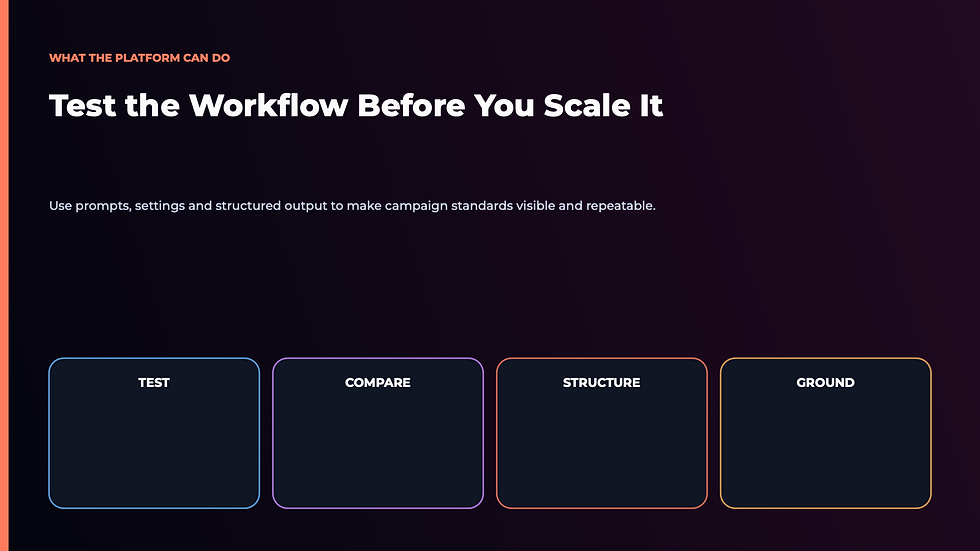
Google describes AI Studio as a place to try Gemini models and experiment with prompts before moving a workflow into the Gemini application programming interface, or API. In plain English, the API is the bridge that lets other software send work to Gemini automatically.
The current Google AI Studio quickstart shows controls for model settings, structured output, function calling, code execution and grounding. Structured output is particularly useful for marketing because you can request a predictable set of fields—headline, audience problem, proof, call to action and risk note—instead of receiving an attractive essay that is difficult to reuse.
For an entrepreneur, AI Studio can help with four jobs:
test a campaign instruction before it becomes a recurring workflow;
compare alternative messages against the same customer evidence;
turn one approved source into several connected assets;
expose weak instructions by showing where outputs drift, invent details or lose the offer.
It is less useful when you ask it to “make this go viral,” upload sensitive customer data casually or treat its first response as publishable proof.
That distinction matters because the site already has a plain-English guide to what Google AI Studio is. This article owns a different decision: how to use it to produce a commercially connected marketing campaign.
Ben’s doctrine: A marketing workflow is only as intelligent as the buyer problem it refuses to wander away from.
The Buyer-Thread Campaign Method
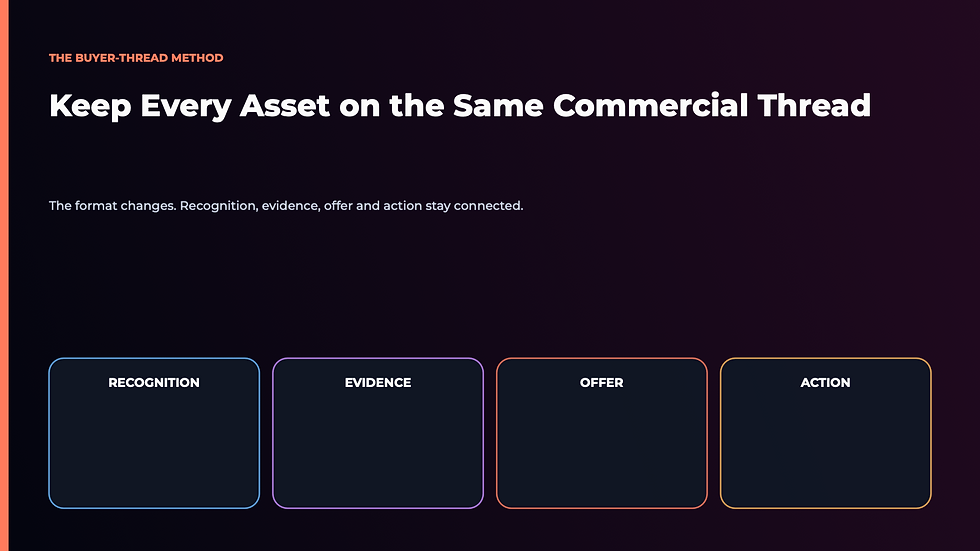
Most AI content systems begin with formats: write a blog, five posts and an email. The Buyer-Thread Campaign Method begins one level earlier with the change happening in the reader’s mind.
Think of the thread as a coloured line running through every asset. The blog may explain more. The email may create curiosity. The social post may stop the scroll. Yet all four should carry the same recognition, evidence, offer and action.
Use these four components:
Recognition: Name the behaviour or moment the buyer already experiences. “You keep testing AI tools, but the work still returns to your desk.”
Evidence: Supply a source, example, customer phrase or result that supports the argument. Separate verified fact from a hypothetical illustration.
Offer: Decide which problem your product resolves next. Do not paste the course or book into every asset without context.
Action: Assign one next step. A campaign with three competing calls to action usually produces three reasons to delay.
This is the same operating discipline behind turning prompts into repeatable AI workflows. The prompt is one instruction. The workflow preserves the source, order, standards, review and measurement around it.
The one-sentence campaign brief
Before opening AI Studio, complete this sentence:
We are helping [specific buyer] recognize [costly problem], believe [new explanation] and take [one next step], using [approved proof].
If that sentence is vague, more output will magnify the vagueness. If it is clear, AI Studio can help you explore stronger executions without changing the strategic destination.
Build the Campaign in Five Passes
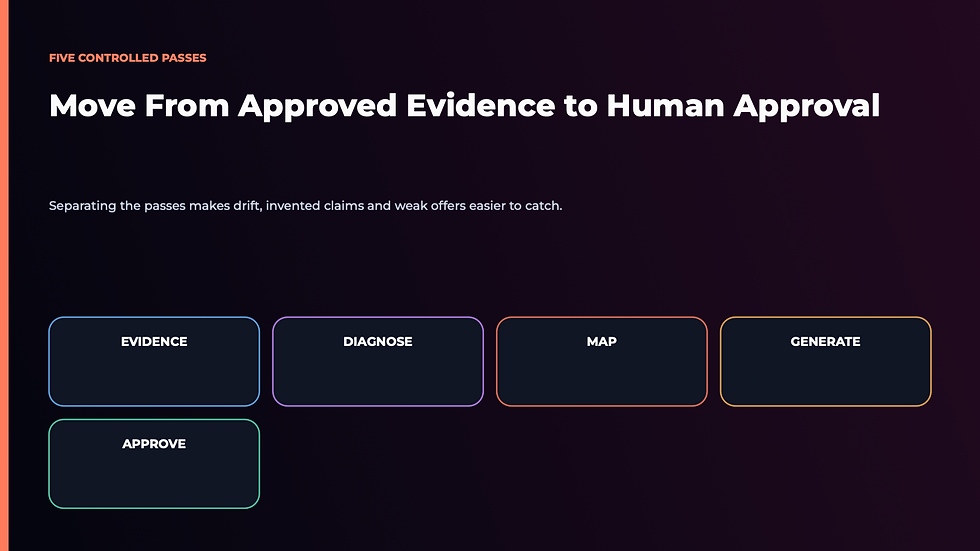
The safest workflow uses five separate passes rather than one enormous prompt. That makes errors easier to see and prevents the model from quietly changing the audience or offer halfway through.
Pass 1: Build the evidence pack
Collect the product page, approved claims, customer-language notes, useful statistics and relevant source links. Remove personal, confidential and unnecessary information. If the campaign depends on current facts, use first-party material and record the date checked.
For example, a lead-generation campaign could use Ben’s existing five-step AI lead generation system as a foundation instead of asking AI Studio to invent a new process from scratch.
Pass 2: Diagnose the buyer
Ask AI Studio to return a structured list of the buyer’s observable behaviour, private concern, current explanation, consequence of inaction and likely objection. Then review each line against real customer knowledge.
Do not confuse plausible language with evidence. “Busy entrepreneurs struggle with consistency” may be reasonable. “Seventy-three percent abandon campaigns after three days” is a factual claim that requires a source.
Pass 3: Create the asset map
Assign one job to each asset:
blog: answer the search question and change the reader’s explanation;
email: create recognition and earn the click;
lead magnet: help the reader make one useful decision;
social post: expose the tension in a compact form;
sales-page bridge: show how the offer completes the work.
If you need help deciding which model or tool should perform each job, the site’s solopreneur AI tool comparison provides a useful adjacent decision.
Pass 4: Generate to standards
Give each asset its own length, structure, evidence rules, prohibited claims and call to action. Ask for uncertainty to be flagged. Preserve successful corrections in the instruction instead of retyping them every week.
The goal is not to remove voice. It is to stop preventable drift. A workflow should make your standards easier to apply, much like a well-designed AI brain gives a system your context before asking it to act.
Pass 5: Run the human approval pass
Check the promise, proof, product fit, links, tone and legal or reputational risk. Read every claim as if a skeptical customer had highlighted it. Then ask one commercial question: does this asset move the buyer toward the assigned next step, or merely demonstrate that AI can write?
When the campaign is approved, record what changed and why. Those corrections are valuable business knowledge. They should improve the next run.
Privacy, Accuracy and the Human Approval Line
Google’s terms create an important business boundary. Under the Gemini API Additional Terms effective March 23, 2026, content submitted to unpaid services may be used to improve Google products and may be reviewed by people; Google explicitly warns users not to submit sensitive, confidential or personal information. The terms describe different data handling for paid services and certain regions, so verify the rules that apply to your account before using business data.
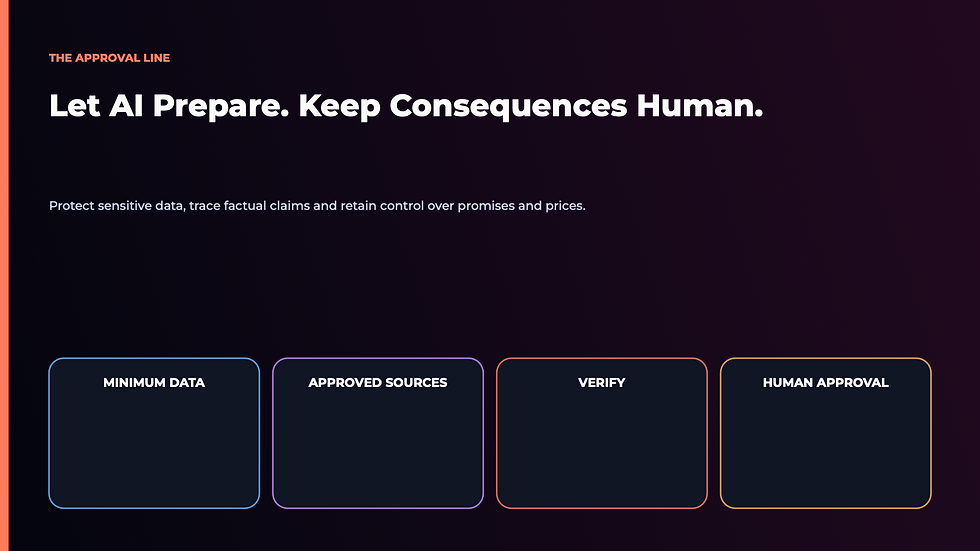
Use three practical controls:
Minimum information: Give the model only the material required for the task.
Approved evidence: Separate source text from assumptions and require claims to point back to the source.
Human consequence line: AI may prepare reversible work. A person approves promises, prices, customer messages, financial claims and anything difficult to undo.
Google also states that users remain responsible for generated content. That is the correct commercial standard even when an output sounds confident.
If you are building a broader stack, start with the site’s guide to automating the right small-business tasks first. AI Studio should own a clear job inside the system, not become another tab that creates review debt.
For entrepreneurs who want a structured implementation path, the 28-Day AI Mastery Course is designed to turn isolated experiments into repeatable capability. The article gives you the campaign method; the course supplies the sequence, practice and accountability to apply it across the business.
A Personal Note Before You Generate More Content

If you are staring at an empty content calendar, instant production feels like the solution. I understand the appeal. AI can remove the friction that once kept a useful idea trapped in a notebook.
The deeper risk is that production becomes so cheap that discernment feels optional. You end up with more drafts, more choices and less confidence about what deserves the customer’s attention.
The business advantage does not come from producing the most. It comes from knowing which message should survive.
That is why I care about methods like the Buyer-Thread Campaign. They keep the technology connected to a human decision: which problem matters, which evidence is honest and which promise the business is prepared to keep. It is the same human-first standard behind my book The Wolf Is at the Door.
Use Google AI Studio to explore, structure and accelerate the work. Keep the buyer thread in your hands. If you want to build that discipline across marketing, operations and decision-making, continue with the 28-Day AI Mastery Course. It gives the experimentation a sequence so a useful campaign can become a repeatable business capability.
Frequently Asked Questions
Is Google AI Studio free for marketing use?
Google AI Studio offers unpaid access subject to current quotas and terms, while paid usage can apply when billing is enabled or advanced services are used. Check Google’s current billing page and account settings before planning a production workflow because availability, models and limits can change.
Is Google AI Studio only for developers?
No. Google positions AI Studio as an environment for experimenting with Gemini models and prompts, so a non-developer can use it for research, structured campaign planning and content testing. Moving a workflow into an API or deployed application may require technical help.
What is the best first Google AI Studio marketing workflow?
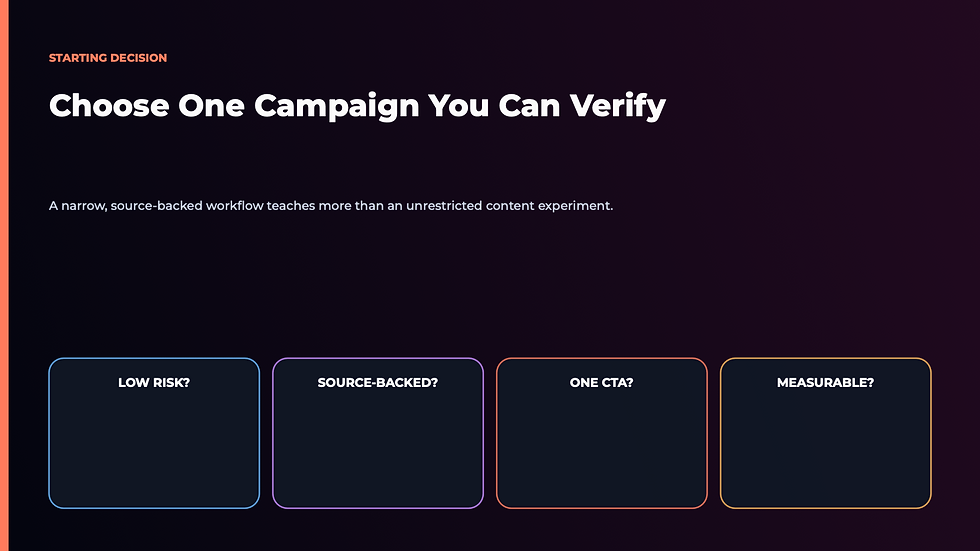
Start with one campaign built from approved source material: a buyer-question article, one email, one lead-magnet outline and three social angles that all share the same call to action. It is narrow enough to review and broad enough to reveal whether the system preserves strategy across formats.
Can I upload customer data to Google AI Studio?
Do not upload sensitive, confidential or personal customer information to unpaid Google AI Studio services. Google’s current terms explicitly warn against it. Use anonymized or fictional practice data and confirm the rules for your account, region and billing status before handling business information.
Does Google AI Studio replace a marketing strategist?
No. It can generate alternatives, organize evidence and test campaign instructions, but it does not own the customer relationship, business risk or final promise. A human still decides the audience, positioning, proof, approval standard and commercial next step.


Comments